2021
UX/UI
MOBILE
VSCO
Redesigning the onboarding experience for photo editors
Overview
While there are different photo editing apps on the market, users might not know how to use each unique feature due to the lack of onboarding or tutorial provided.
USER RESEARCH
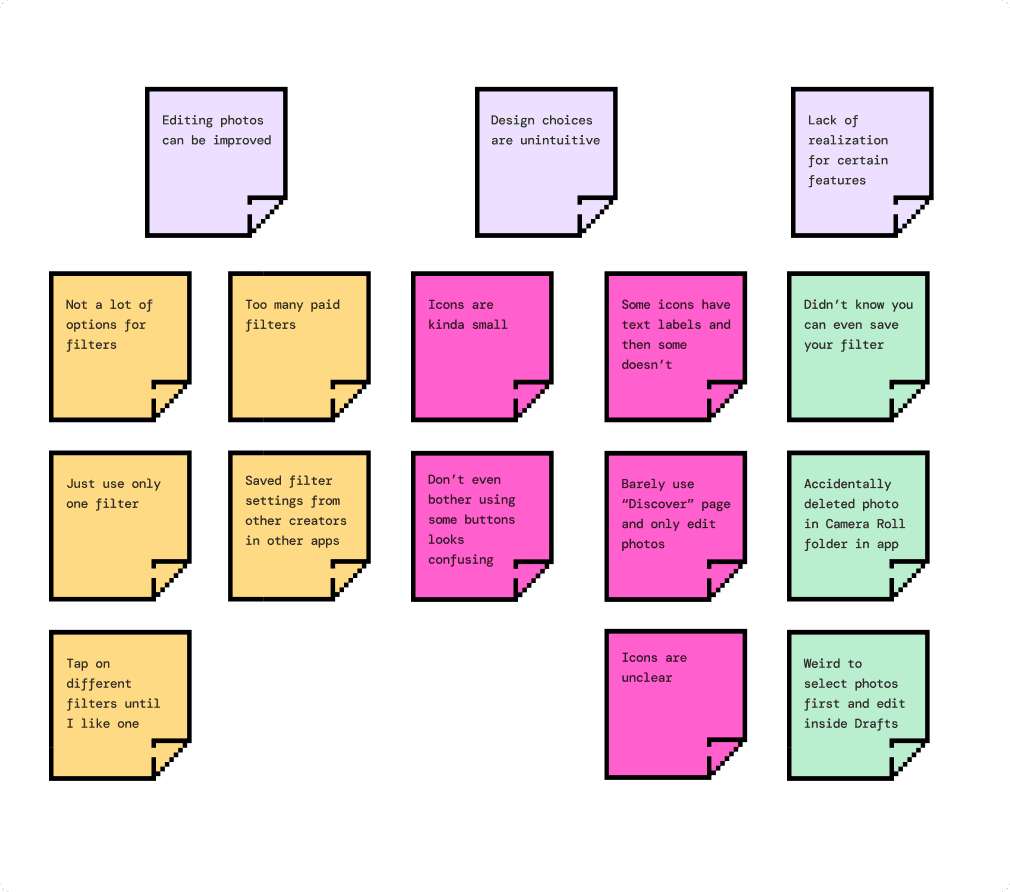
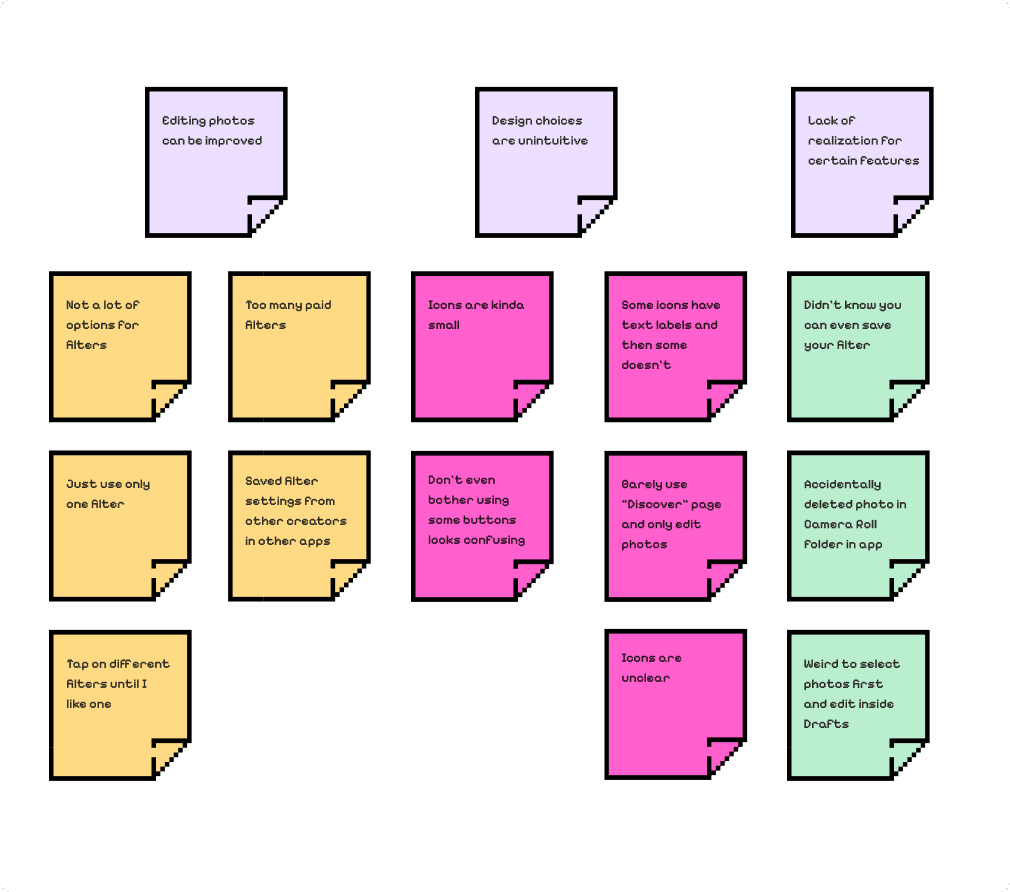
VALIDATING FINDINGS
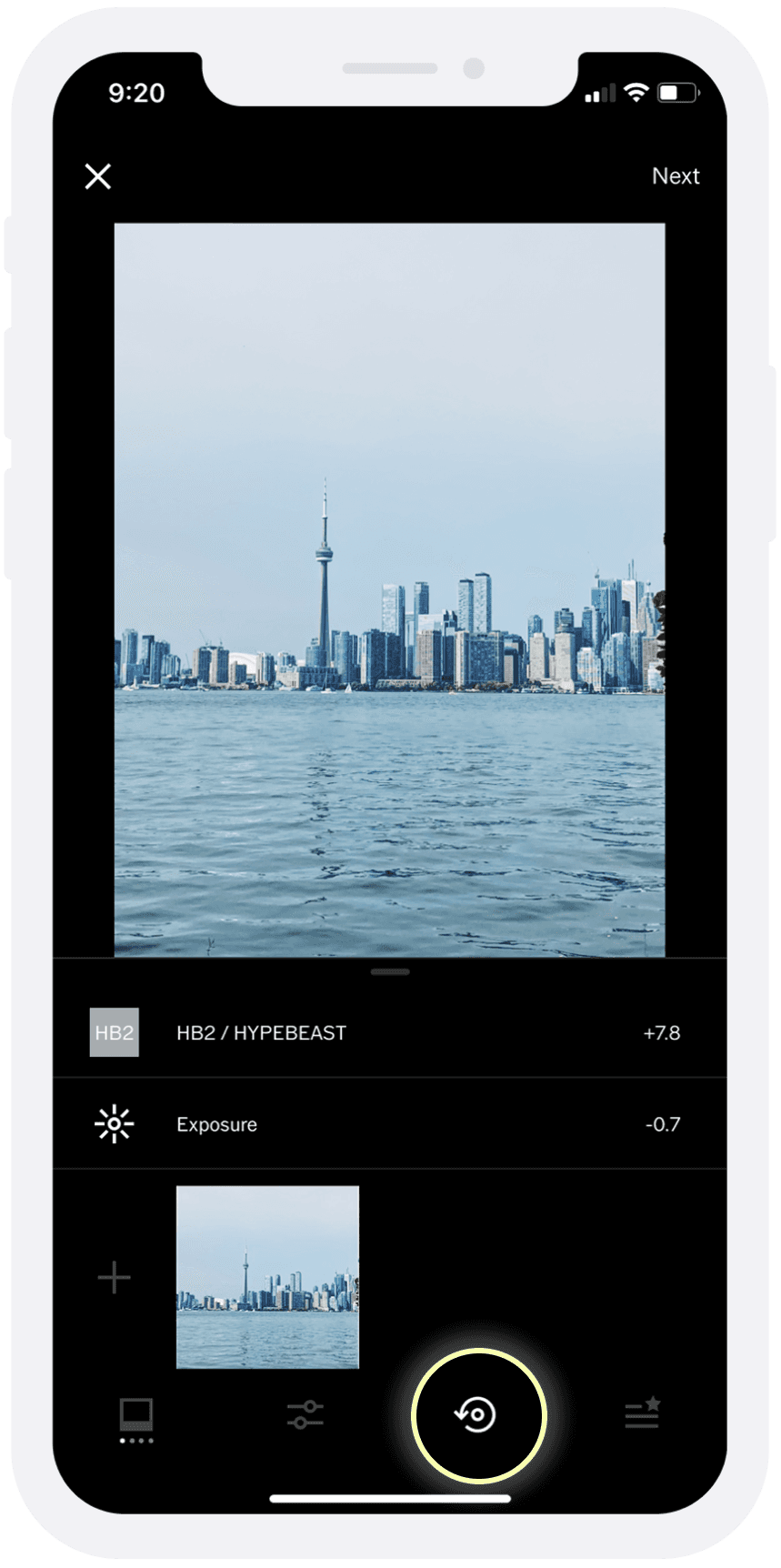
After seeing similar patterns found during my initial user research, I went back into the app to see where these problems are occurring.
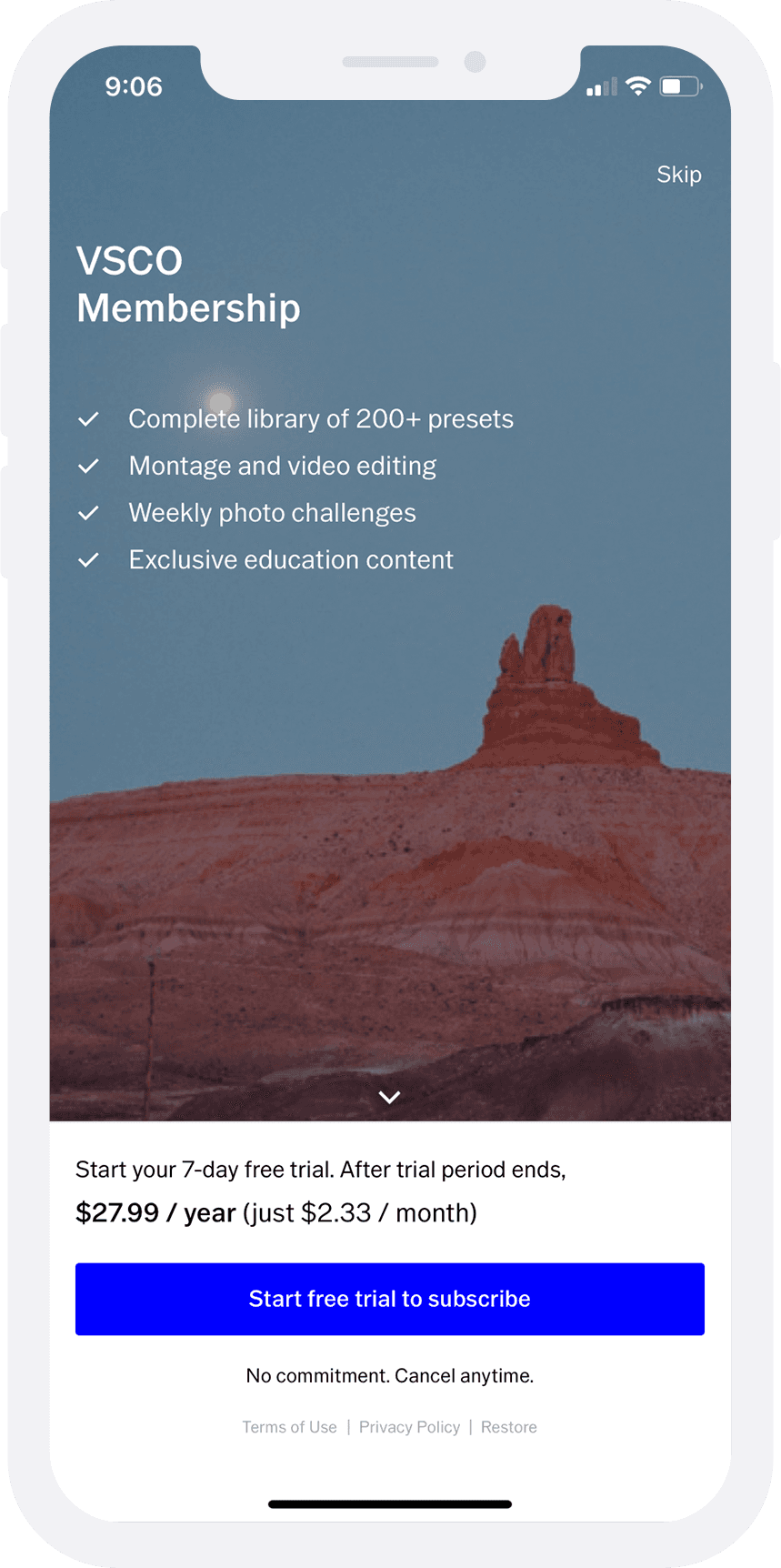
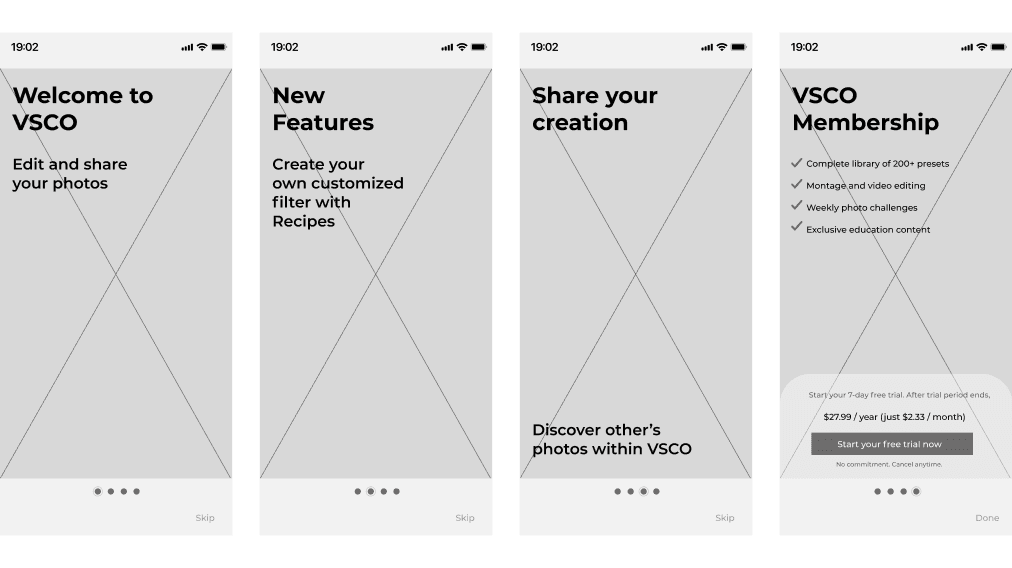
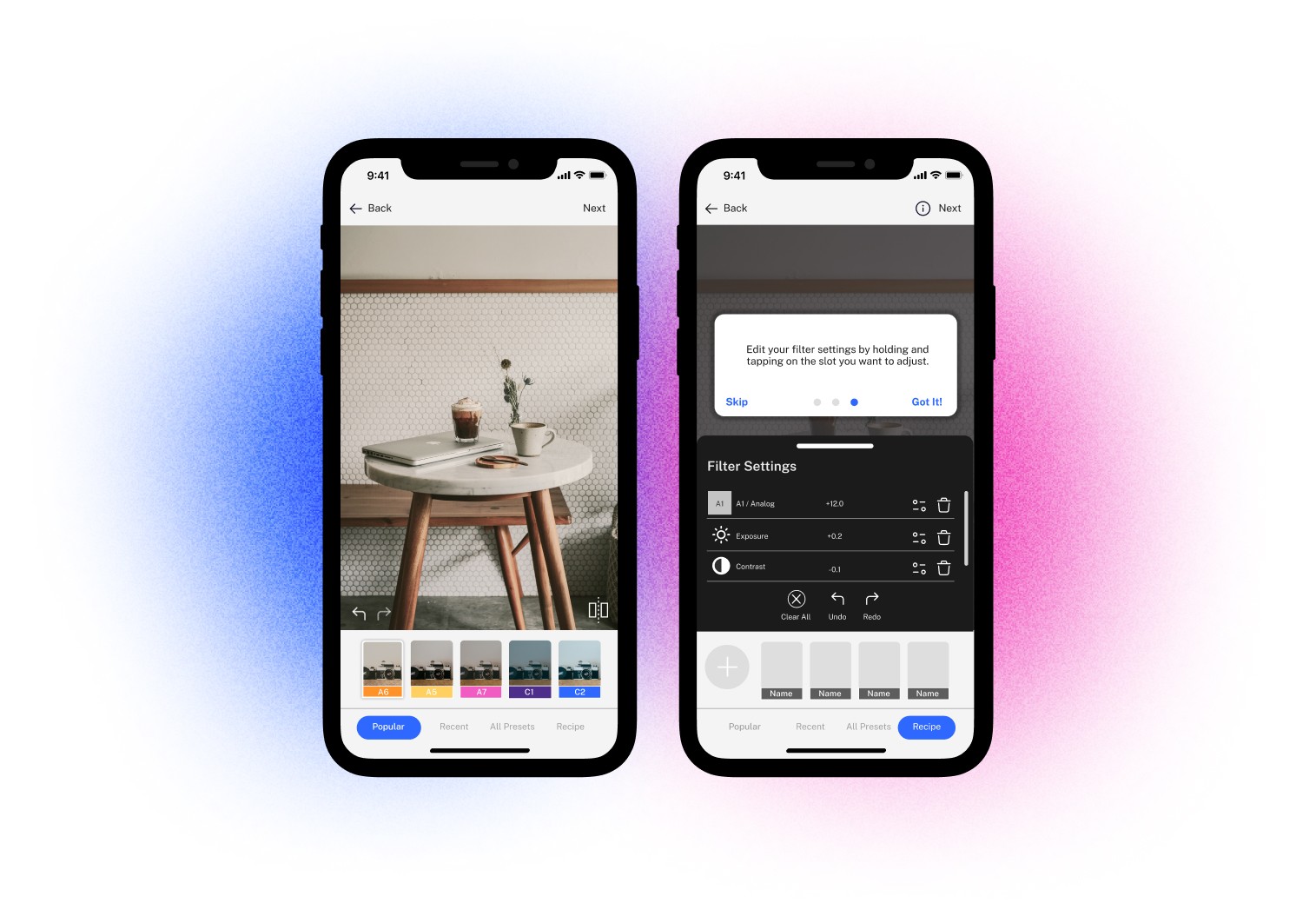
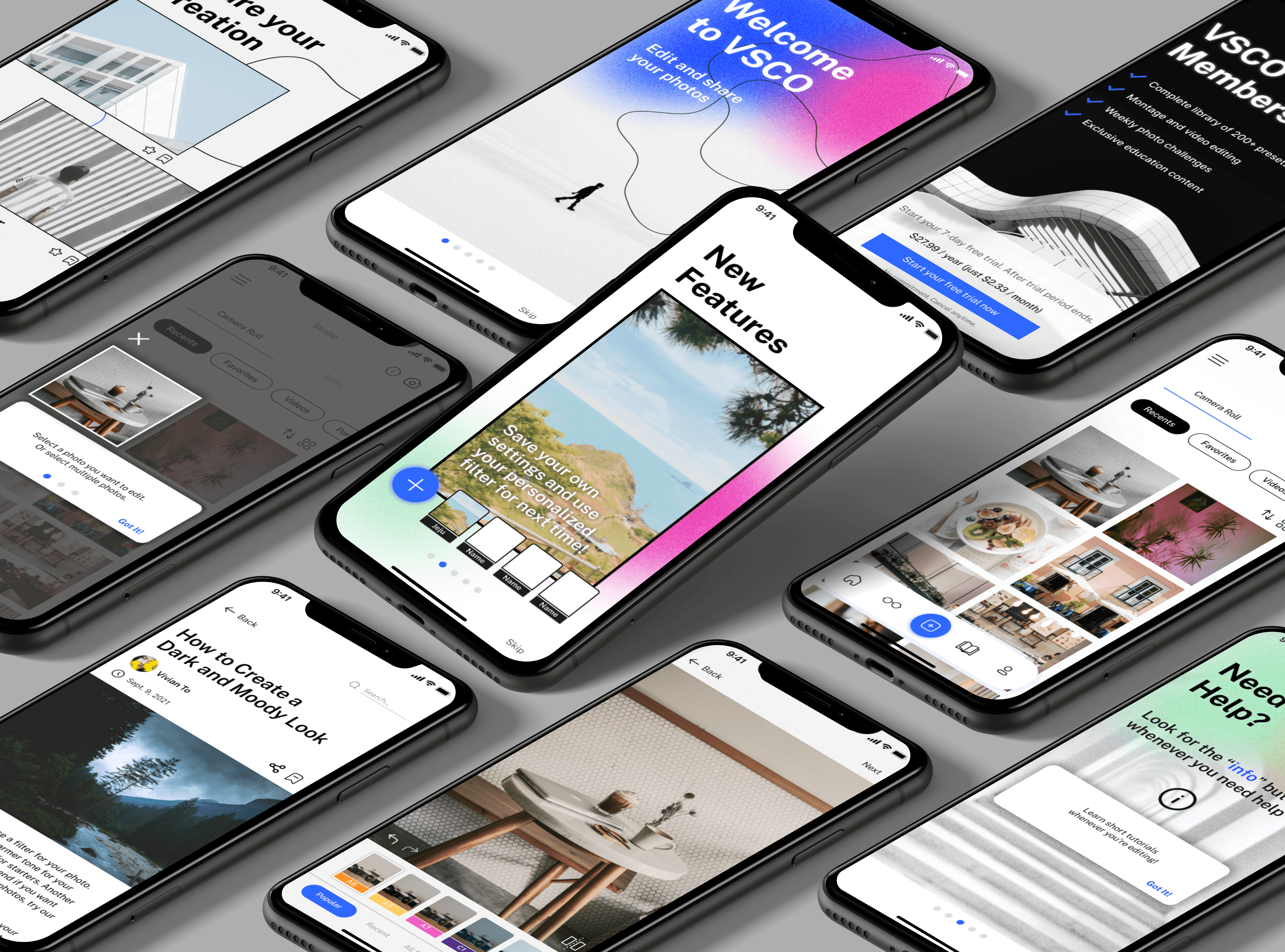
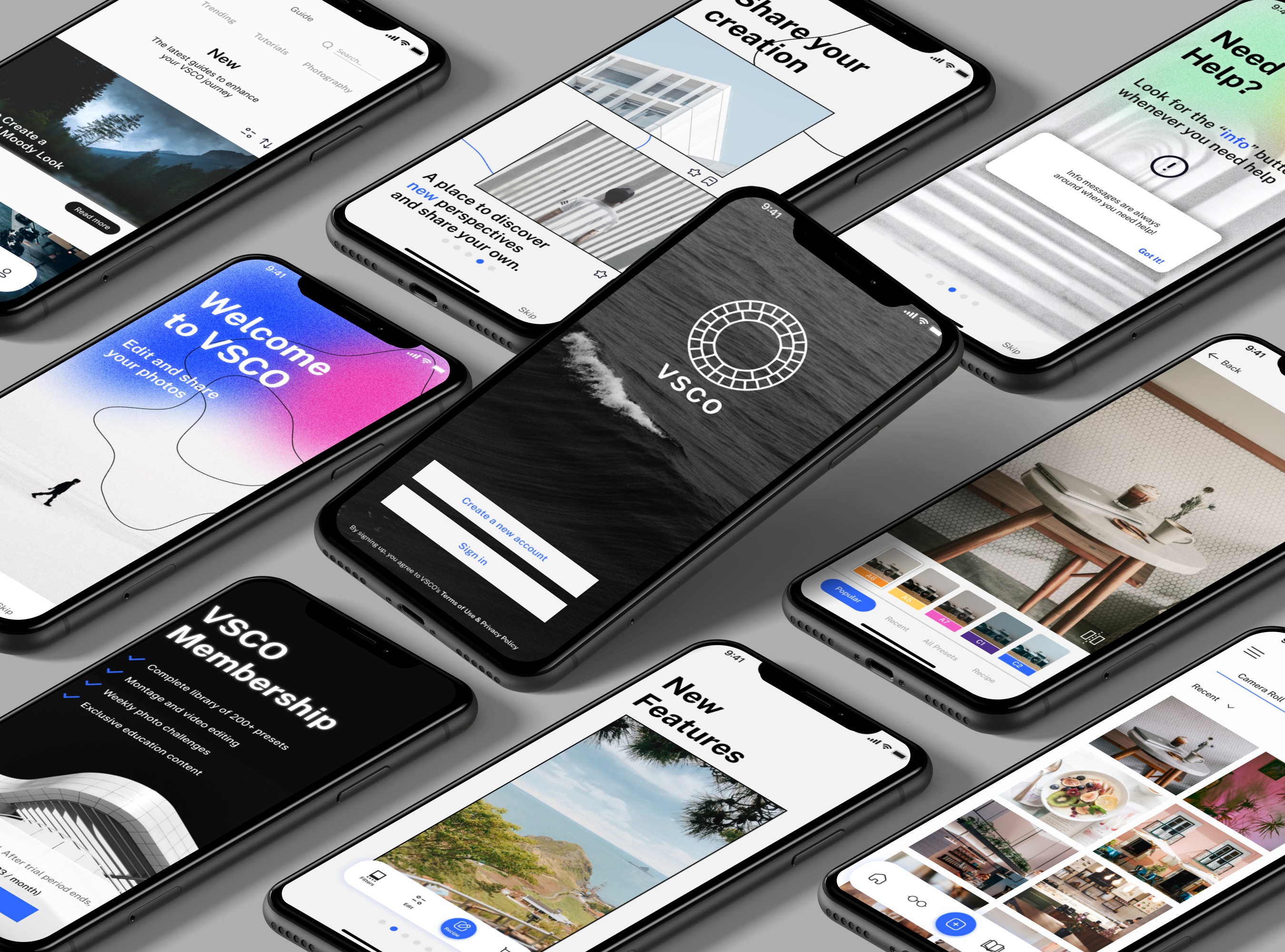
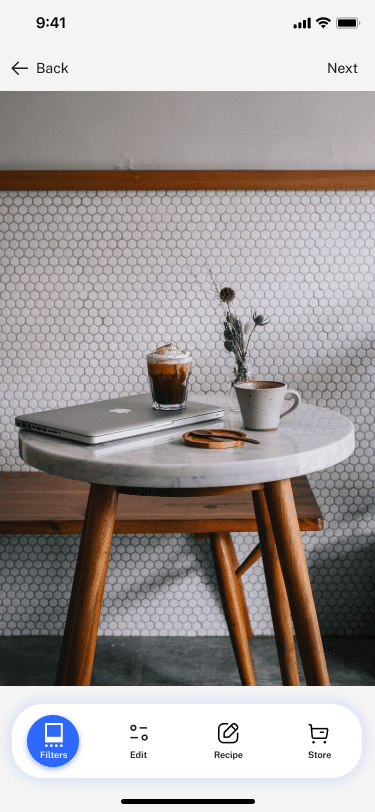
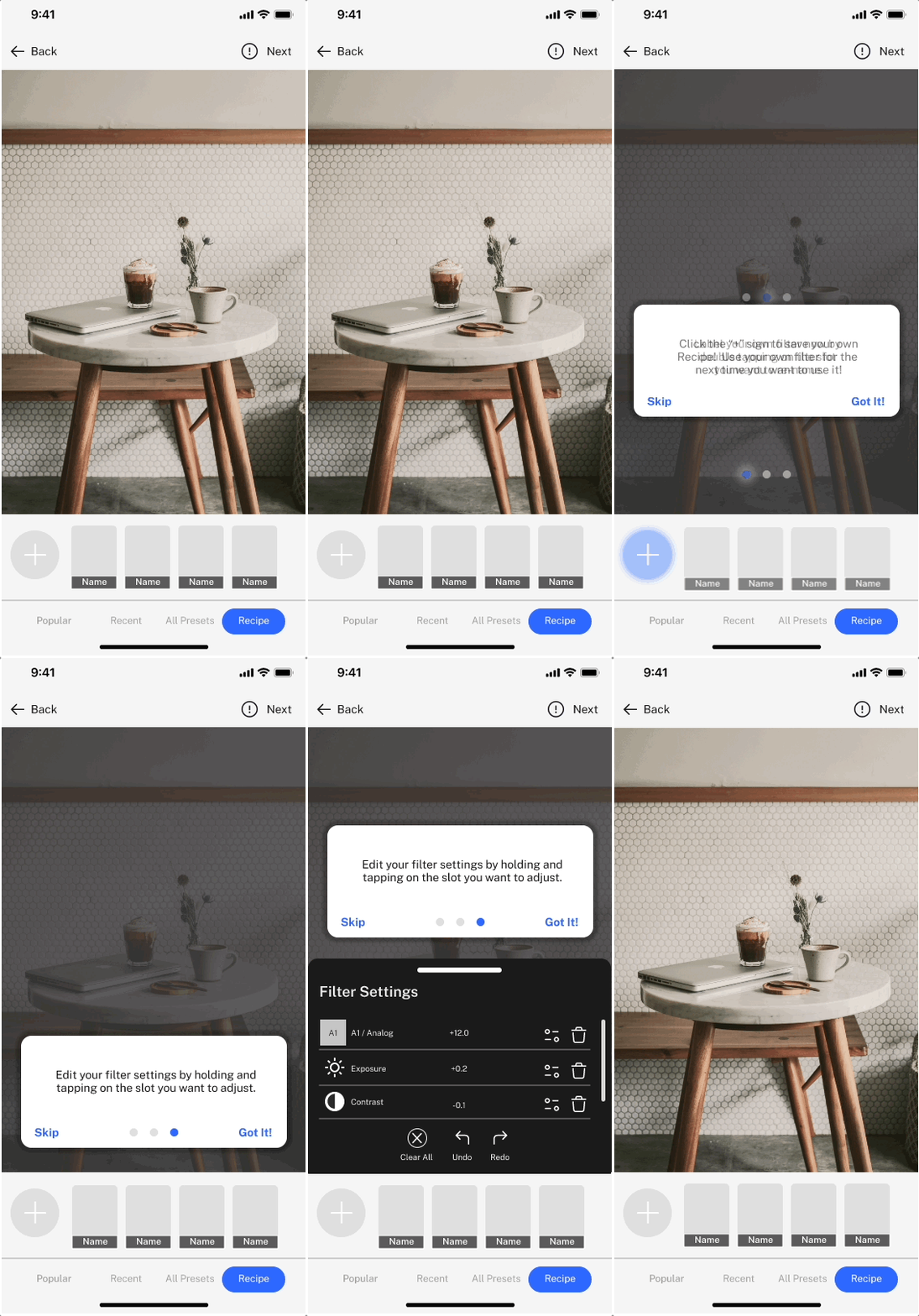
To start the app launch, I wanted to add an onboarding process for new users. This will act as a small run-through of the newly launched features that VSCO has to offer.
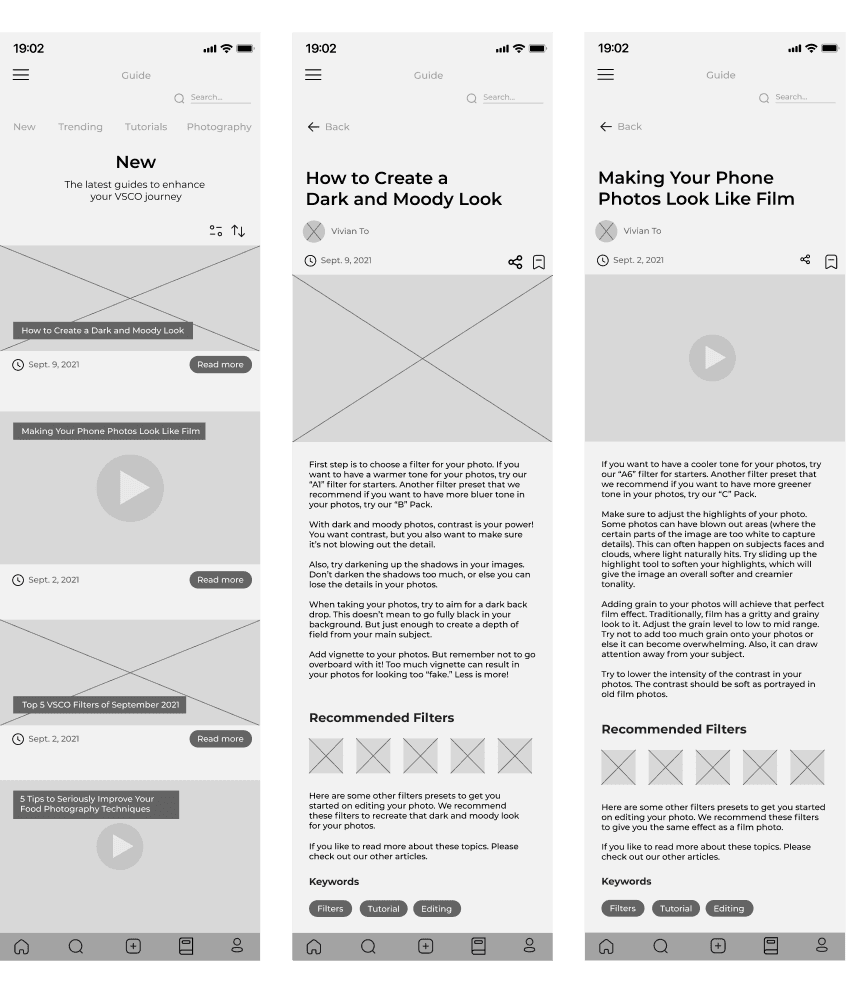
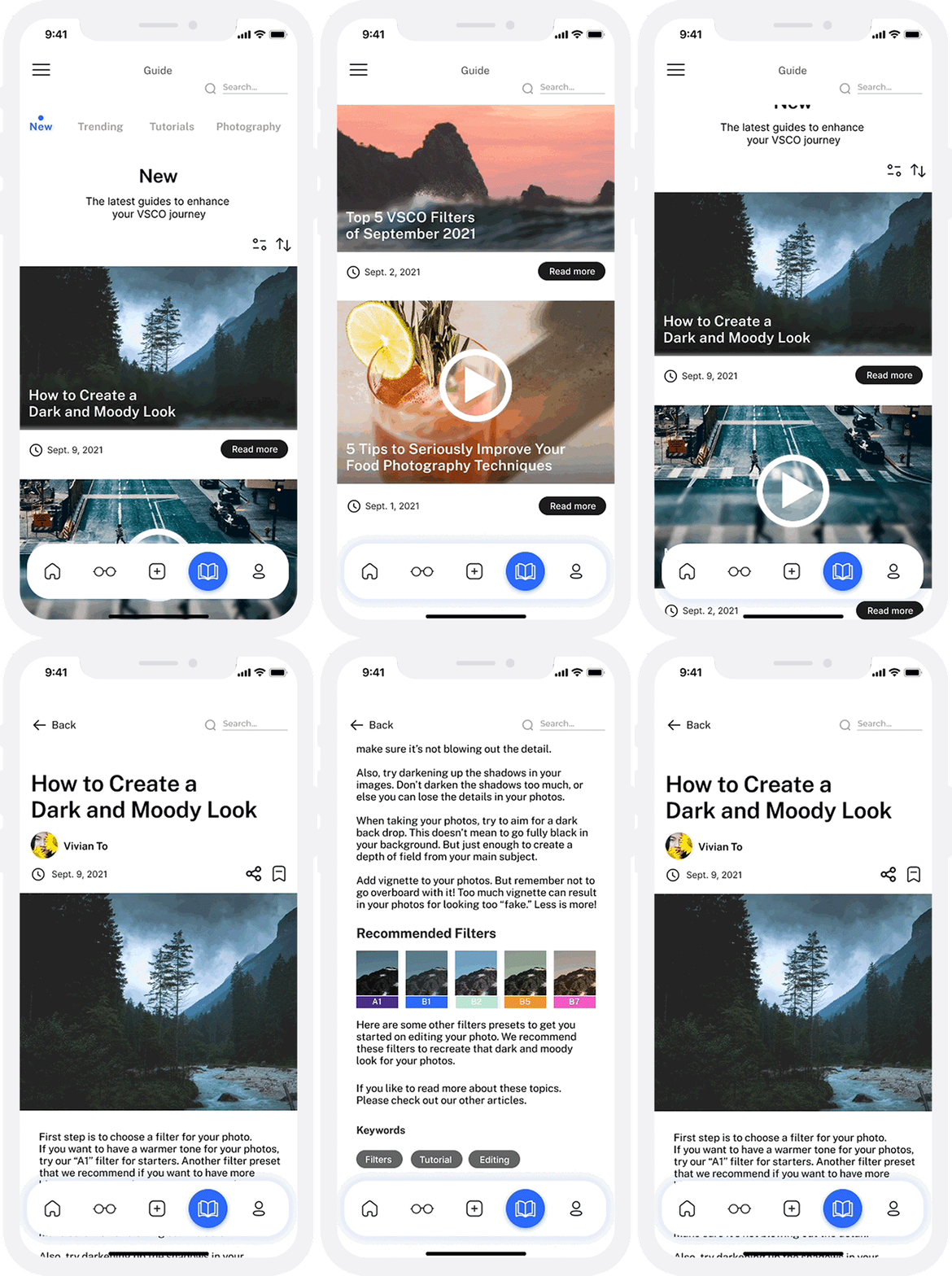
From my initial research, there were many users who only use one filter. To encourage the use of other filters, I decided to set up short articles that editors can copy different filter presets to paste onto their own photos.
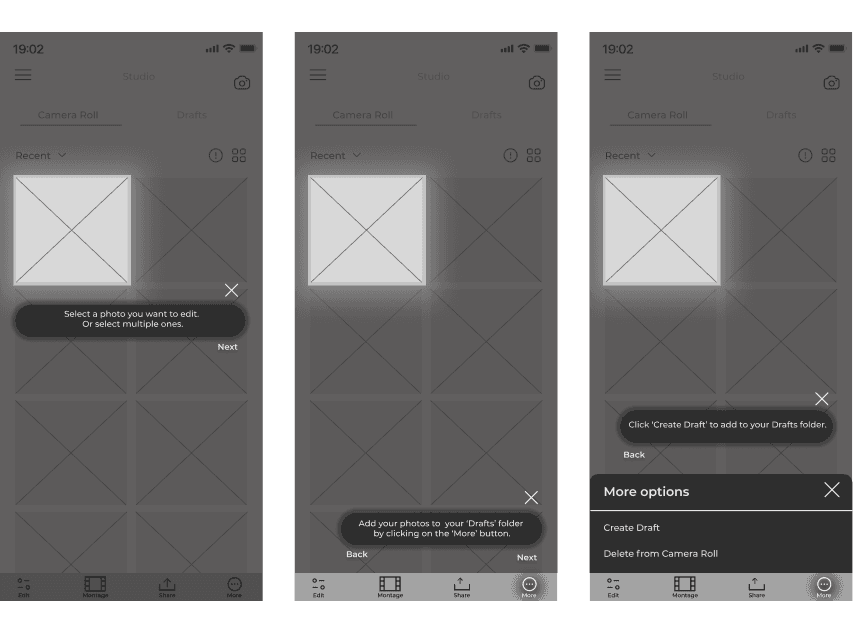
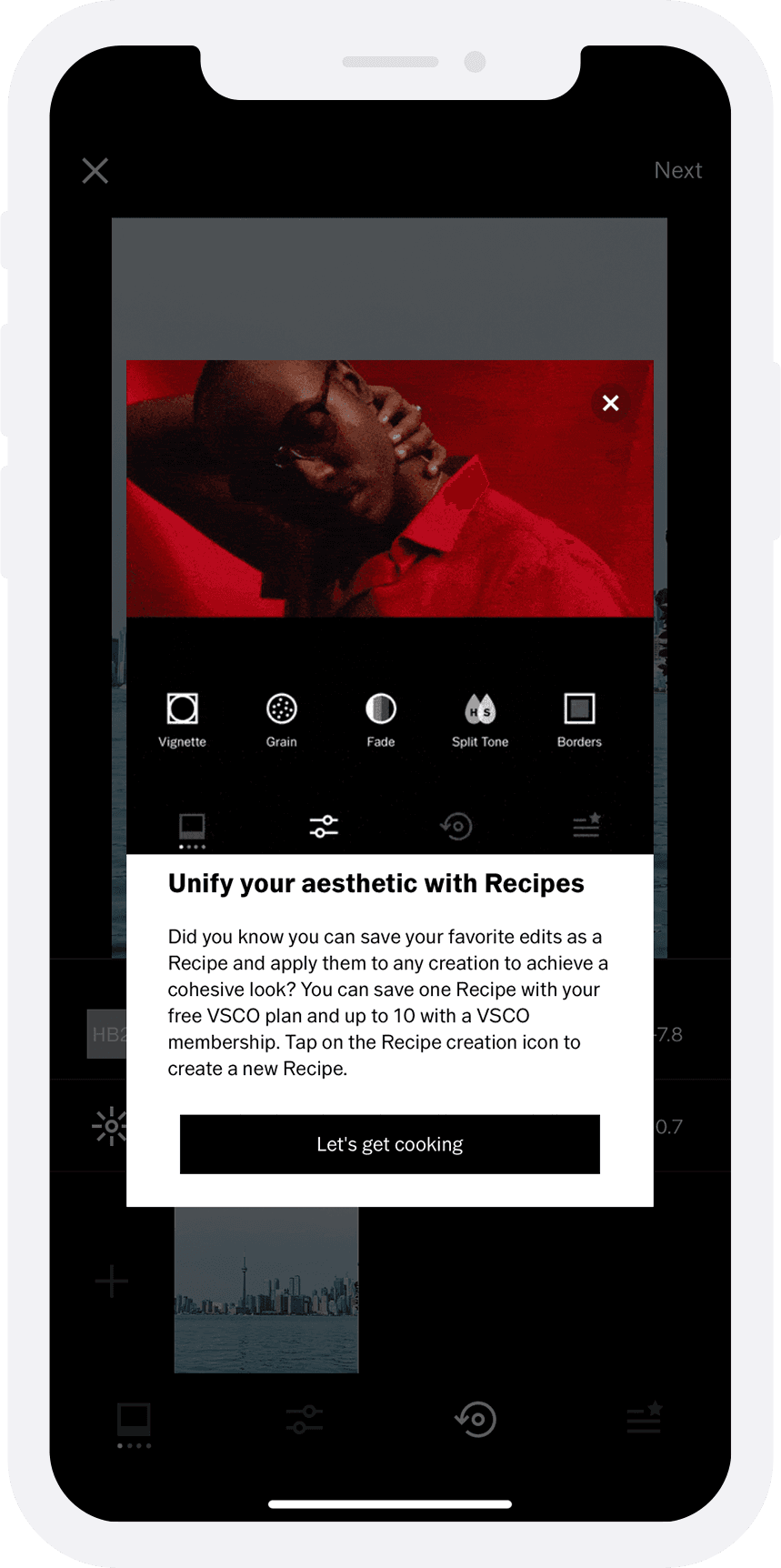
To reduce the likely hood of frustration in using the app, I added short in-app help to provide clear guidance on certain features. Users can find these help prompts in the 'Studio' page and while editing their photos.
DESIGN SYSTEM
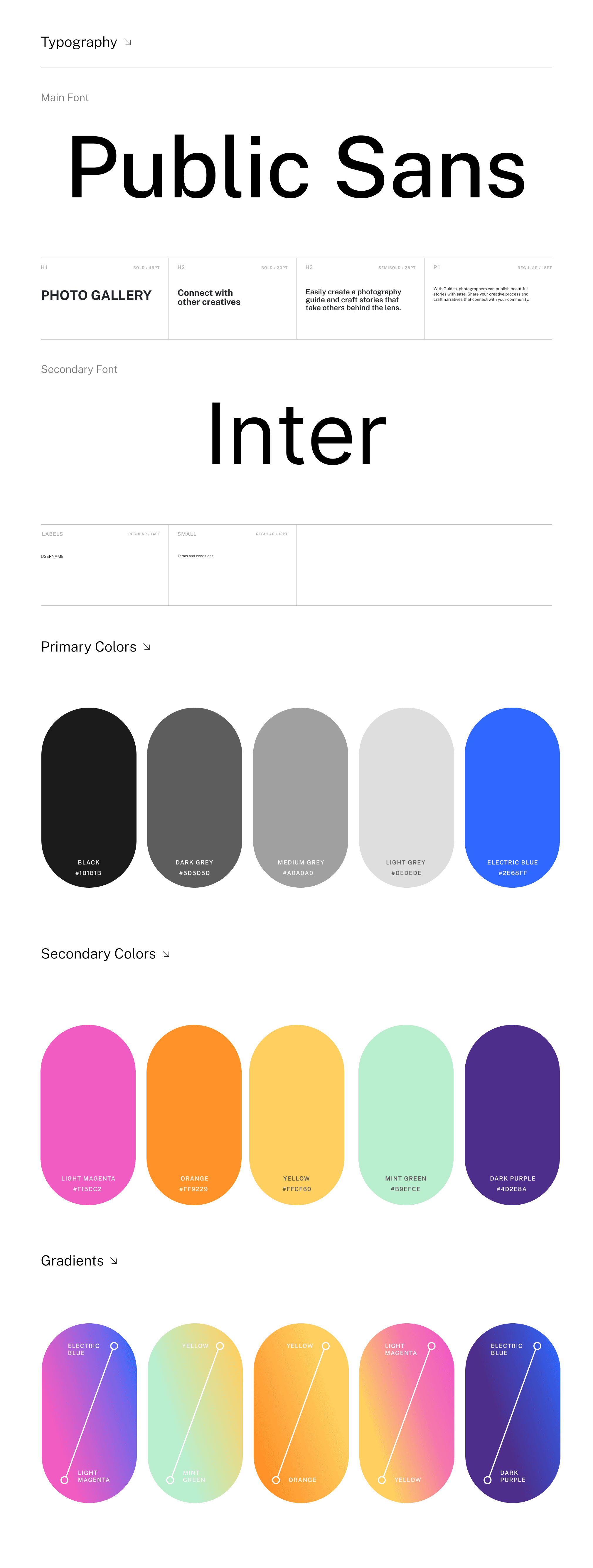
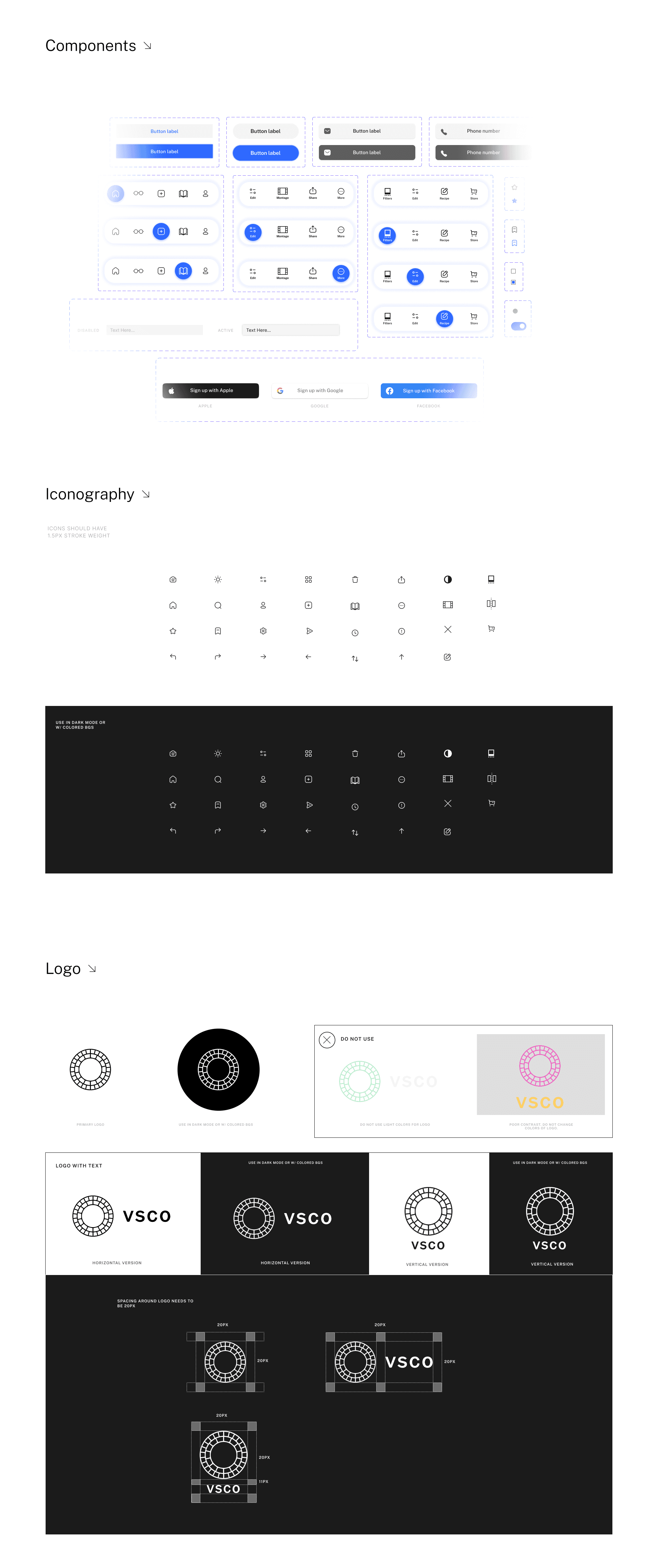
The rebrand maintains VSCO’s clean, minimal aesthetic and enhances it with bold colors that represent the variety of creative possibilities within each filter.


Key takeaways
Here are some highlights that I've learned while working on this project:
Receiving feedback from peers
Throughout this project, I had help from my colleagues to give me constructive feedback in each stage of my design process. I wasn't aware of certain aspects of my wireframes and prototypes that needed to be fixed. Therefore, it was beneficial to have some feedback to help me improve.
Design systems saved me so much time!
While working with so many frames in Figma, I found it helpful to develop a design system to keep my components and elements consistent throughout the project. I was already familiar with working with libraries in Adobe applications. So, it was beneficial to integrate my daily working habits and apply them to a new application.
Prioritizing time wisely
There was only a limited amount of time to work on this project. I felt I lacked some qualitative data to support my design decisions. If time permits, I would conduct an in-depth user interview or do usability testing in person with the high-fidelity prototypes to further refine my solutions from the feedback. Also, I had to manage what was feasible to develop this project on time. I’ve experienced some constraints while using Figma and had to find another method to produce the results I wanted.